
A growing pose library
Pick a pose, follow the live guide, and get framing and lighting feedback before Pose AI captures your best shot.

Pick a marble pose card, line the frame up over your live camera, and Apple Vision scores the match on your iPhone. Selfie, mirror, or portrait, you always know the shot.
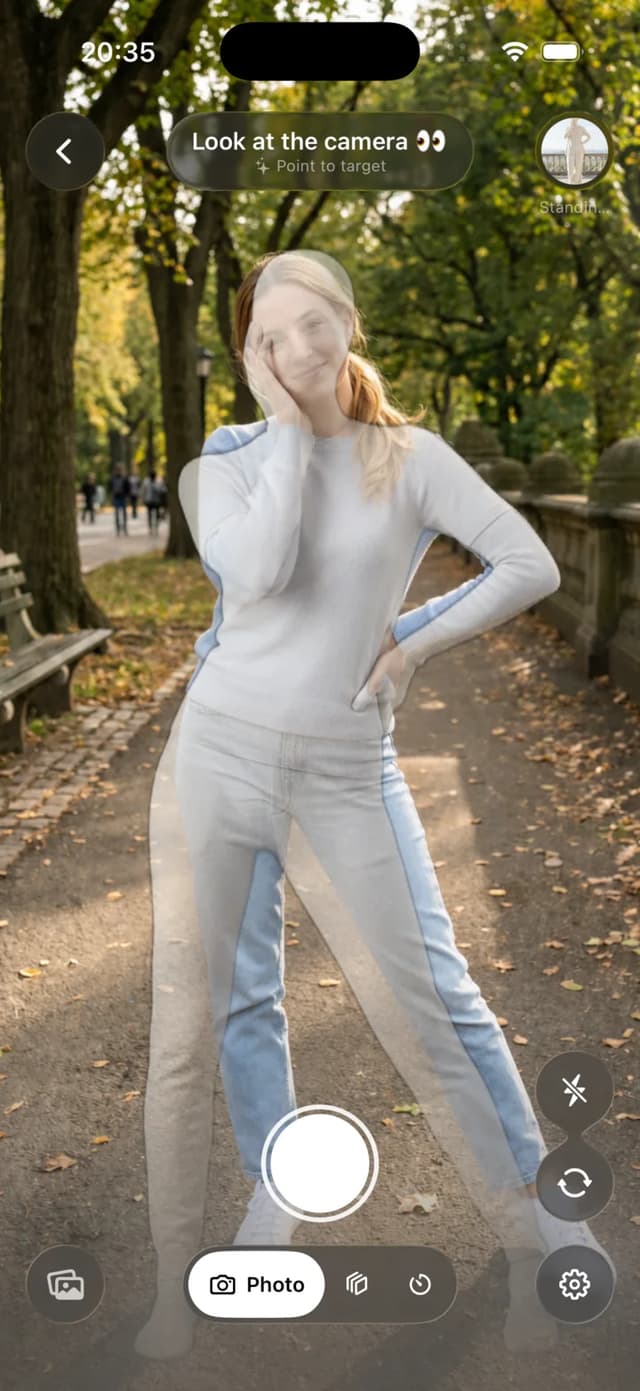
Line the transparent frame up with your body, then follow live cues for framing, angle, and light until Pose AI knows the shot is ready.
Hold the pose once the guide locks in and Pose AI takes the photo for you, so your hands stay in the shot instead of on the shutter.
Pinch, drag, and mirror the overlay so it fits your camera, your distance, and your crop before you start matching.
Browse a growing catalog of selfie, mirror, portrait, couple, and full-body poses, then pick the one that fits the shot you have in mind.
Matching and capture run on your iPhone with Apple Vision, so your live camera never has to leave the device to coach the shot.
From the pose you pick to the frame that lands, every part of Pose AI works together to coach the shot on your iPhone.



Everything you need to know about pose guides, live coaching, automatic capture, supported photos, and on-device privacy.
Pose AI helps you choose a pose, line up with a live camera guide, improve framing and light, and capture the photo when your pose is ready.
Choose a pose and a transparent guide appears over the camera. You can move and scale it, then line up your face and body with the reference.
Pose AI gives short cues for framing, alignment, expression, lighting, and phone angle based on the guide you selected.
Tap the info button in the camera to view the real-person pose example. After capture, the button changes to a warning when something needs adjustment; open it to see the checks and the example underneath, then tap the photo to zoom. You can also long-press any pose card and choose View Real Pose.
Yes. Supported scored poses can auto-capture after you hold a strong match, so you do not need to reach for the shutter.
The core pose matching, Vision analysis, coaching, and capture flow run on your iPhone. Live camera processing does not depend on a remote server.
The catalog is designed for selfies, mirrors, portraits, couples, friends, and full-body photos across different crops and setups.
Yes. Pinch to scale it, drag it into position, and double-tap to reset. Pose AI keeps the coaching target aligned with your adjustment.
Pose AI compares the action and structure of a pose rather than trying to make you look like the person in a reference image.
Pose AI is available for iPhone and requires iOS 26 or later.
Pose AI is free to download. Pose AI Pro is available as a monthly or yearly subscription, with current prices shown in the App Store and inside the app before you subscribe.
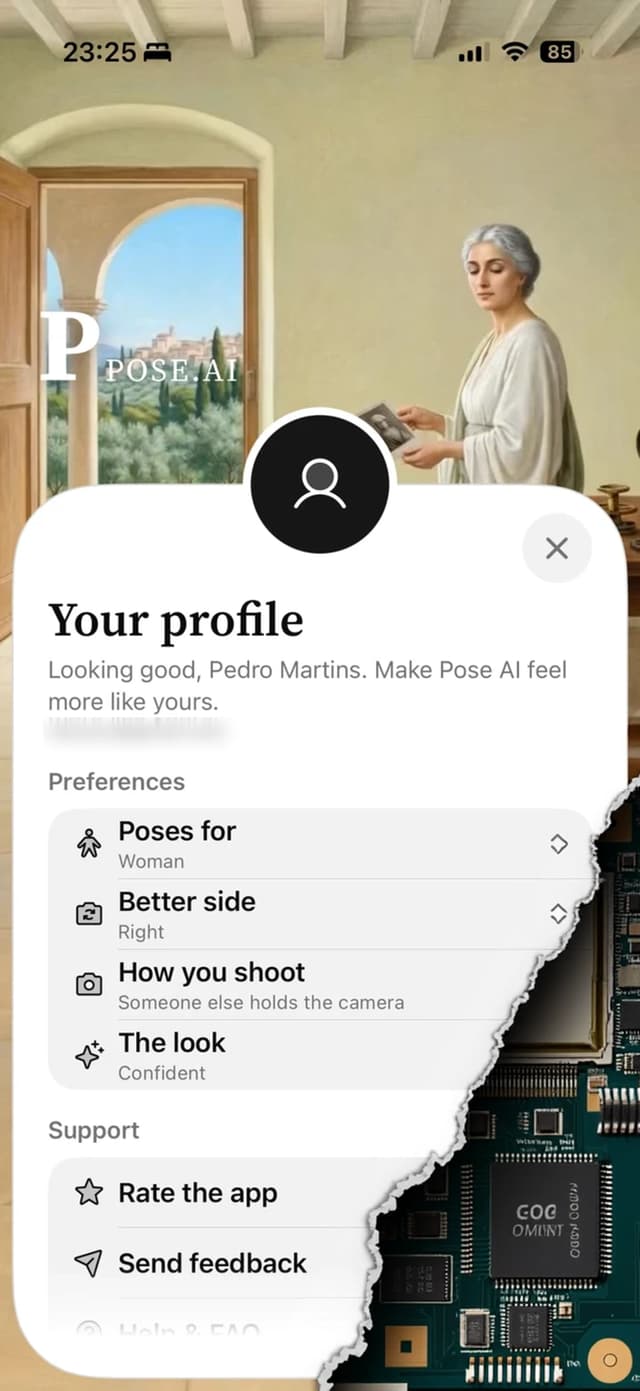
The app is designed to help you return to guides that suit your style and the kinds of photos you take most often.
Pose AI is available now on the App Store.